Ultrasonic Sensor
Introduction
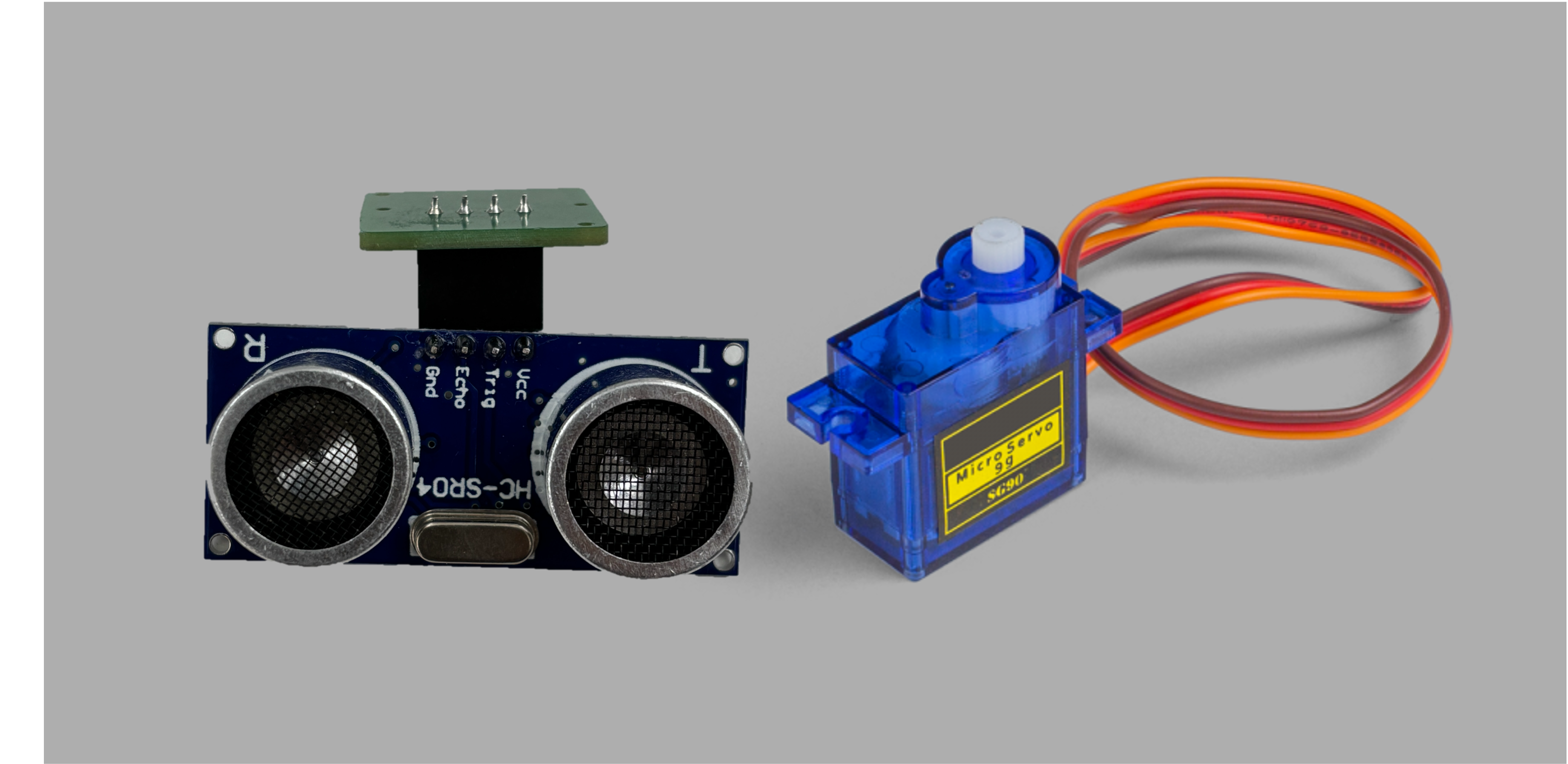
An ultrasonic sensor is like a little bat that sends out sound waves which are too high-pitched for humans to hear, and then listens for those waves to bounce back after they hit something. By measuring how long it takes for the sound waves to return, the sensor can figure out how far away objects are, helping robots to "see" obstacles or allowing devices to measure distance without touching things!
Circuit Assembly
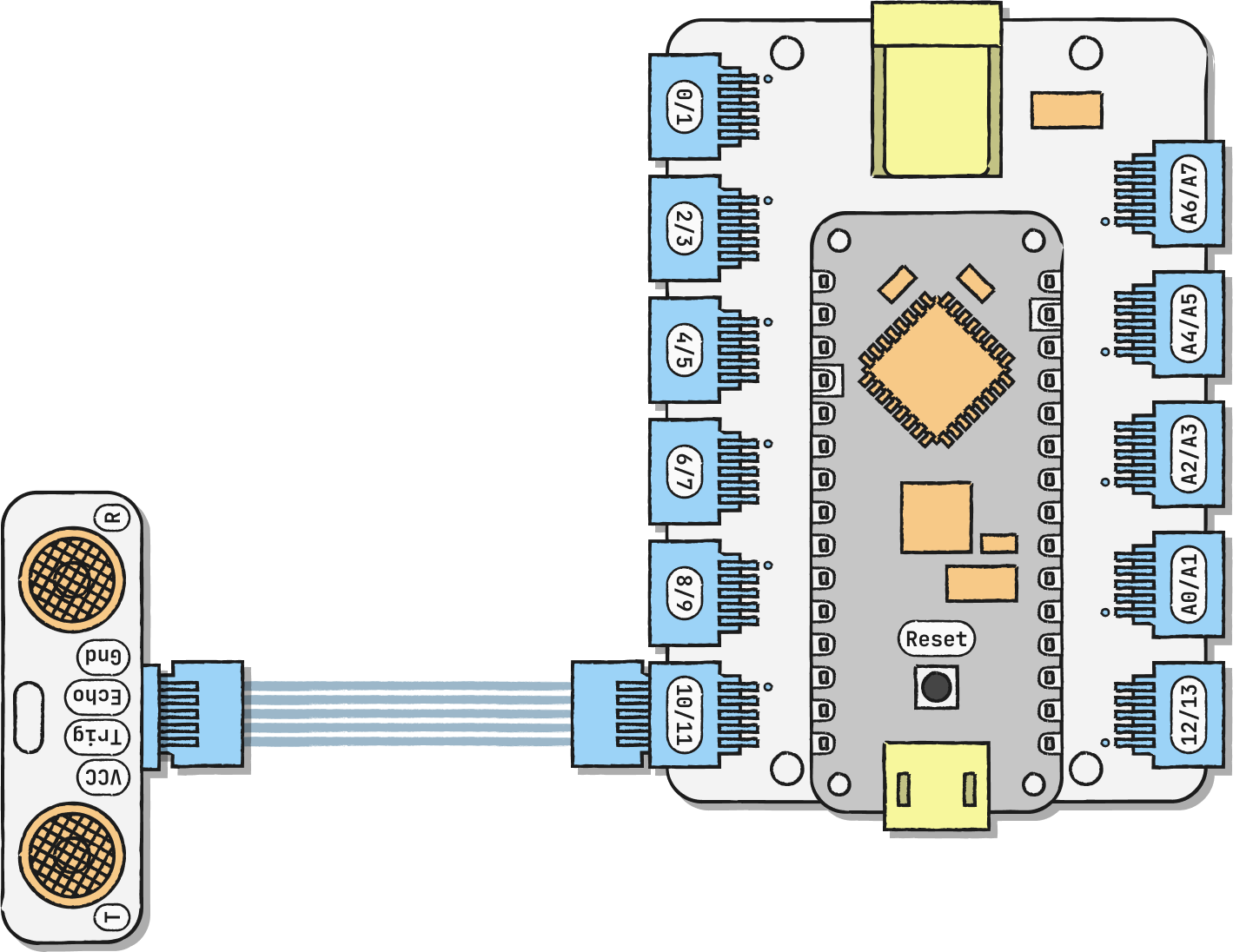
Connect the ultrasonic sensor to any digital pin. In our example, we're using D11/D10.
The pin that you connect your ultrasonic sensor to corresponds to a particular echo/trig value in your code. In our case, the trig is 11 and echo is 10. You can remix yours to look like this:
• D11/D10 → ultra_trig = 11, ultra_echo = 10;
• D9/D8 → ultra_trig = 9, ultra_echo = 8;
• D7/D6 → ultra_trig = 7, ultra_echo = 6;
• D5/D4 → ultra_trig = 5, ultra_echo = 4;
• D3/D2 → ultra_trig = 3, ultra_echo = 2;
• D1/D0 → ultra_trig = 1, ultra_echo = 0;