Tilt Sensor and Animate
Introduction
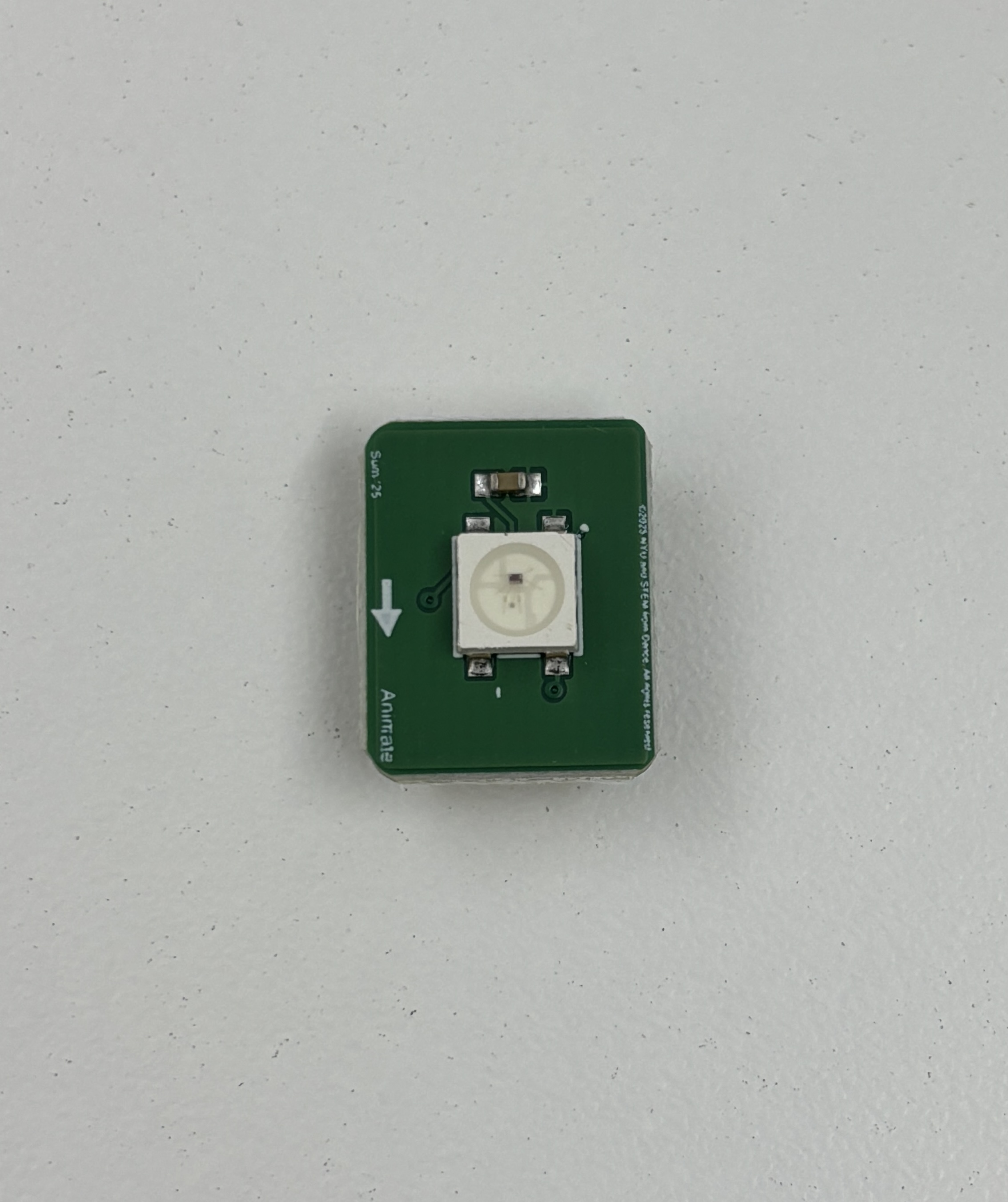
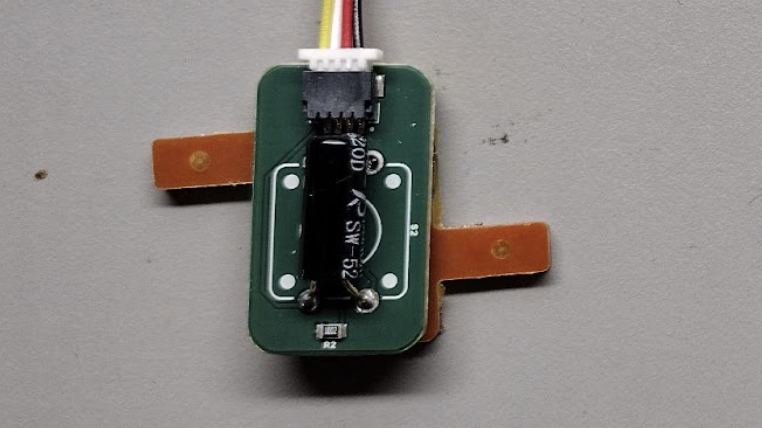
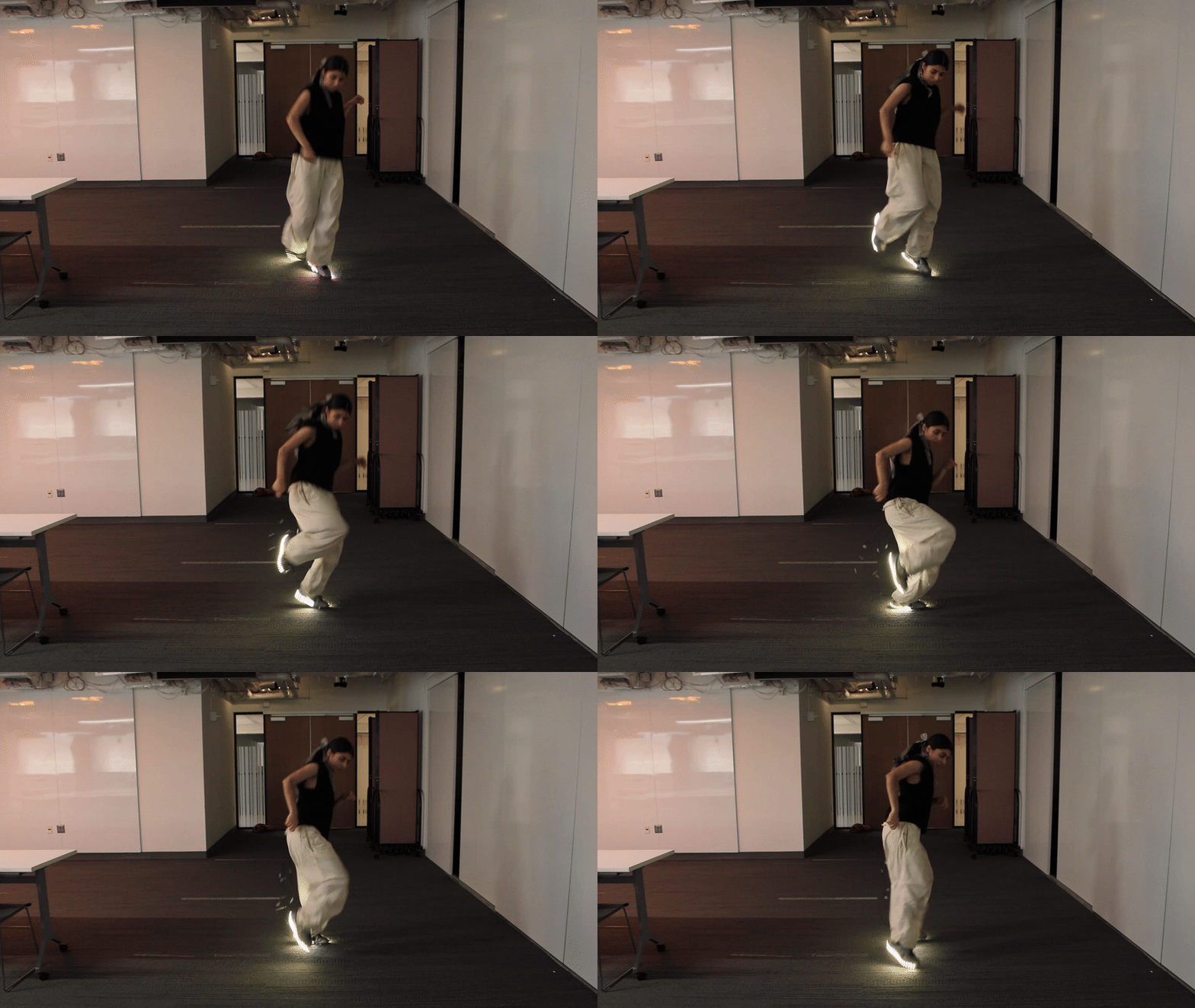
This example explores how to use a tilt sensor with animates. The tilt sensor detects whether or not the component is inclined to one side versus another and the animate is a single controllable LED. You can use them together to control lighting effects that respond to physical motion. In this example, we’ll be learning how to use an input to control an output as the tilting will change the lighting.
Circuit Assembly
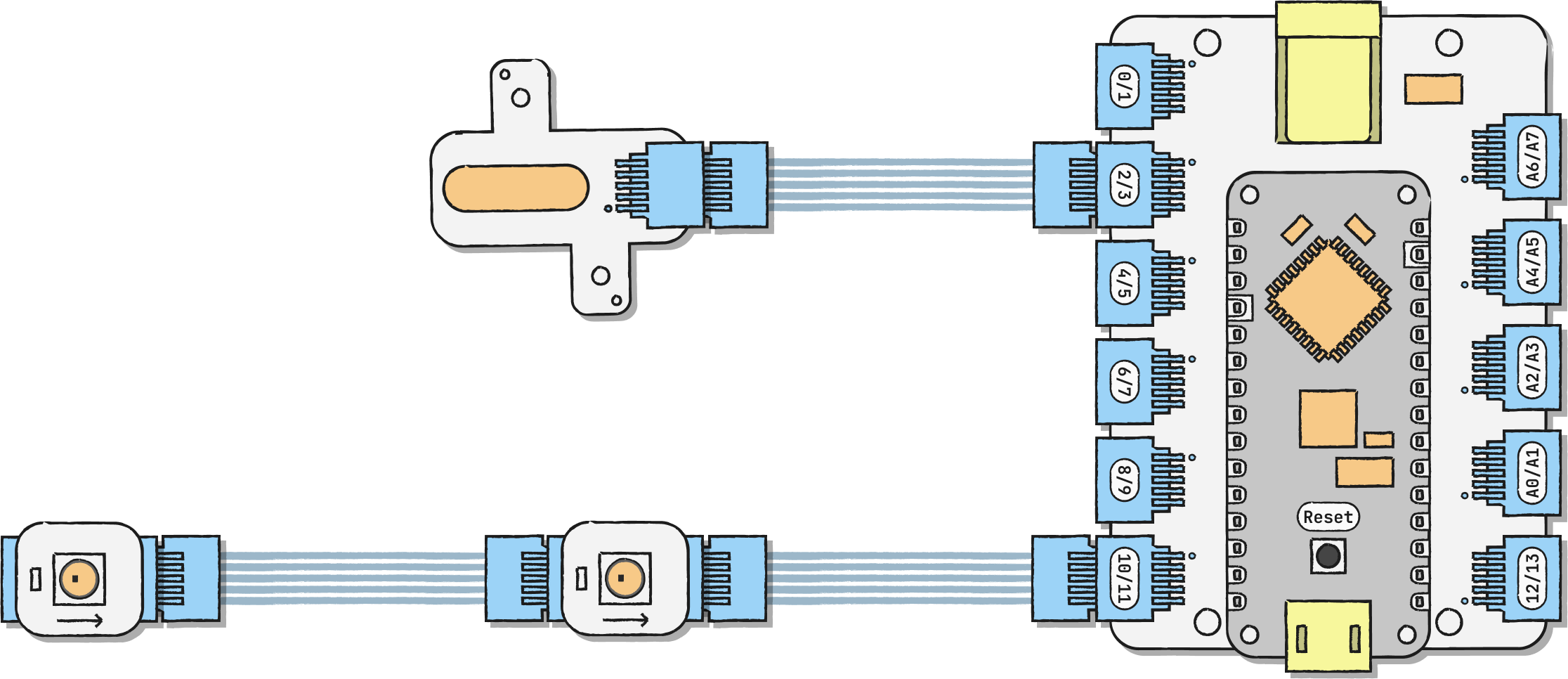
Connect the tilt sensor to any digital pin. In our example, we're using D3/D2. We're using 2 animates in this example chained together. Connect the first animate to any digital pin, we're using D11/D10, and then connect the second animate to the first animate. Make sure the arrow points away from the microcontroller.
The pin that you connect your tilt sensor and animates to corresponds to a pin value on your code. We're using D3/D2 for the tilt sensor, which corresponds to 3. You can remix yours to look like this:
• D11/D10 → tilt_pin = 11;
• D9/D8 → tilt_pin = 9;
• D7/D6 → tilt_pin = 7;
• D5/D4 → tilt_pin = 5;
• D3/D2 → tilt_pin = 3;
• D1/D0 → tilt_pin = 1;
The pin that you connect animates to also corresponds to a pin value on your code. We're using D11/D10 for the led pin, which corresponds to 11. You can remix yours to look like this:
• D11/D10 → led_pin = 11;
• D9/D8 → led_pin = 9;
• D7/D6 → led_pin = 7;
• D5/D4 → led_pin = 5;
• D3/D2 → led_pin = 3;
• D1/D0 → led_pin = 1;
Code
Other Combinations