Potentiometer
Introduction
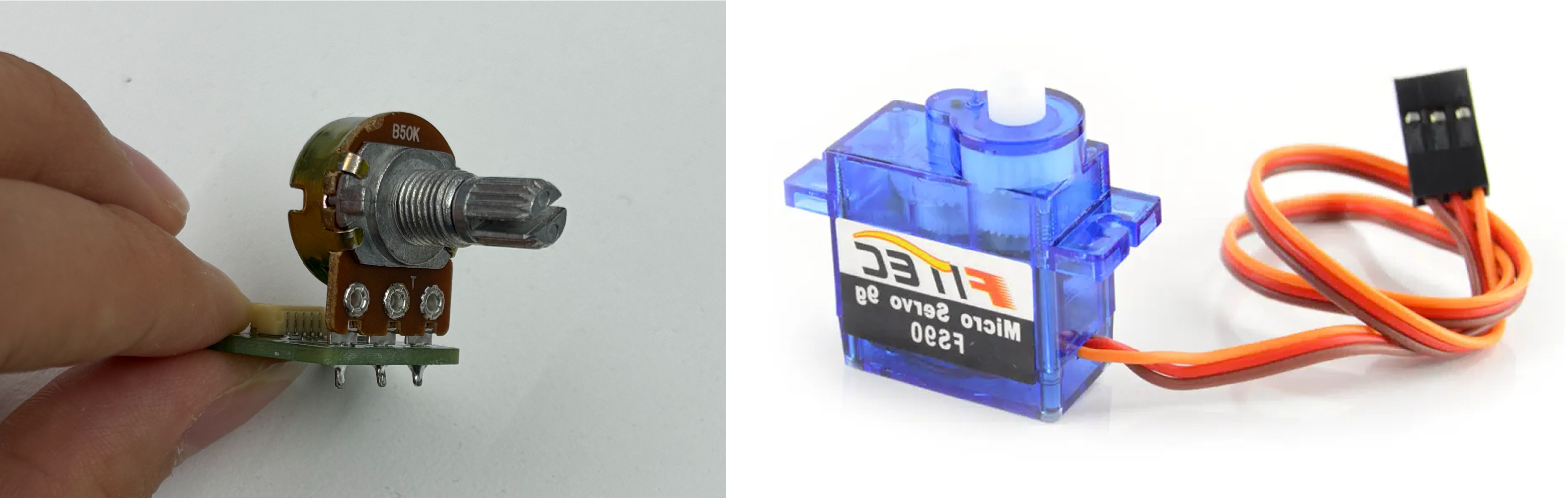
A potentiometer is a simple rotary knob that acts as a variable resistor. As you turn it, it changes the amount of voltage sent to an analog input pin on your microcontroller. This allows you to read a range of values, typically from 0 to 1023, depending on the position of the knob. So one end of the knob will read 0 while the other will read 1023. The range of values on potentiometers can be used to dim lights, control speed, adjust sound, and more. For example, the knobs on a DJ board/deck that control sound are potentiometers.
Circuit Assembly
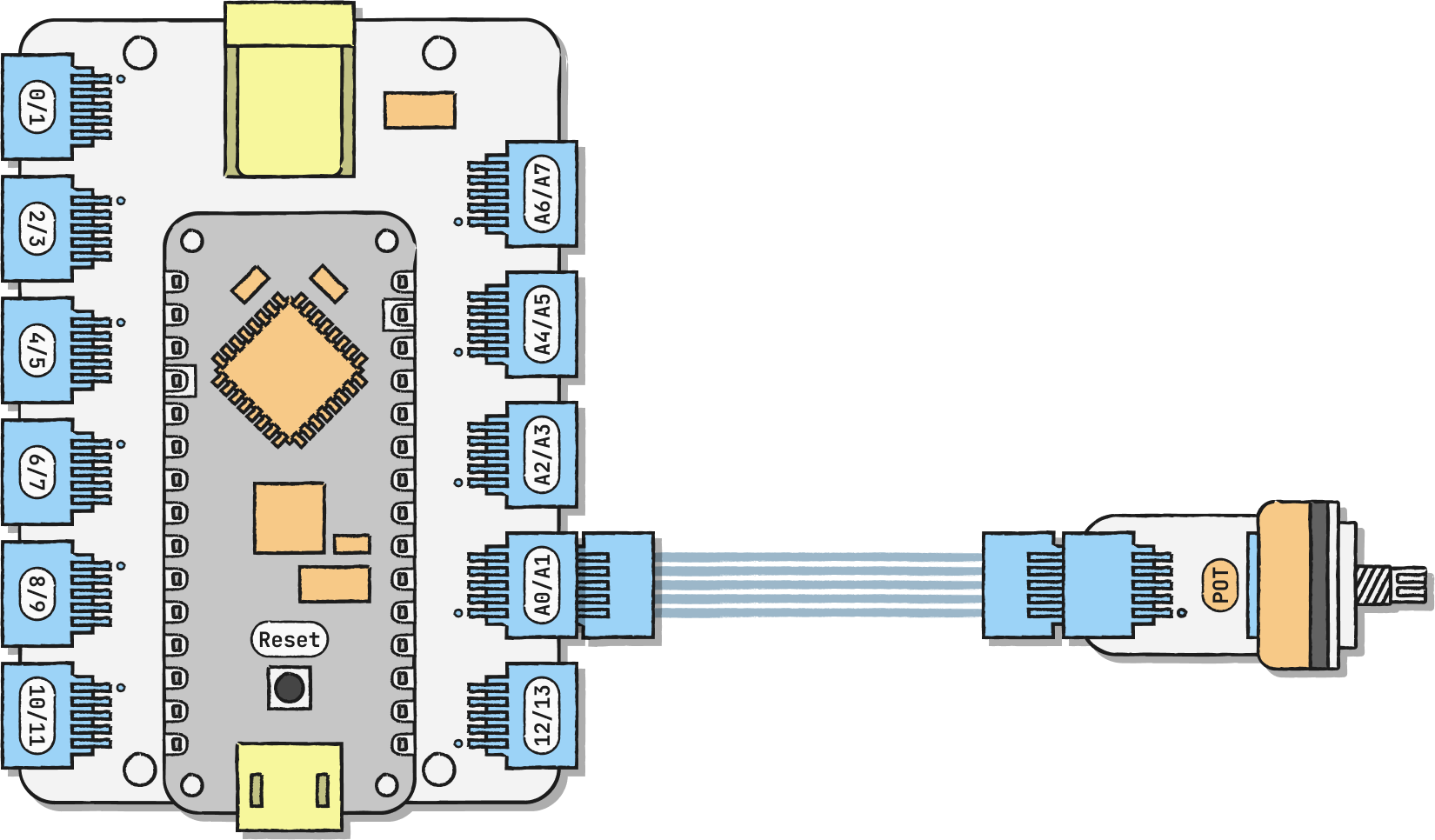
Connect the potentiometer to any analog pin (the ones that start with an A). In our example, we're using A0/A1. The analog pins have the ability to read a continuous range of values as opposed to digital pins that can only read 2 values, high or low (on or off).
The pin that you connect your potentiometer to corresponds to a pin value on your code. We're using A0/A1, which corresponds to A1. You can remix yours to look like this:
• A1/A0 → pot_pin = A1;
• A3/A2 → pot_pin = A3;
• A5/A4 → pot_pin = A5;
• A7/A6 → pot_pin = A7;